Just Updating! So lots of items aren't back up yet, check in again later :)
Update: Shipping is still free for UK and USA! Shipping may be slower due to the global state of the world right now :/


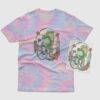
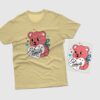
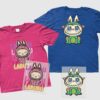
Sorry, this product is not available to purchase in your country.
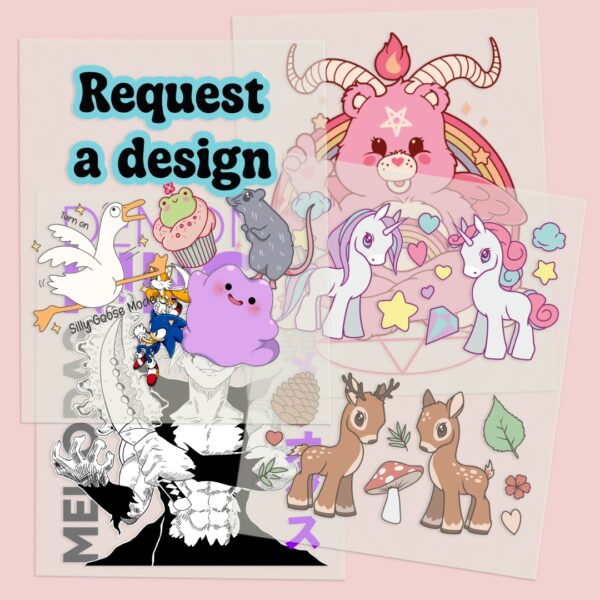
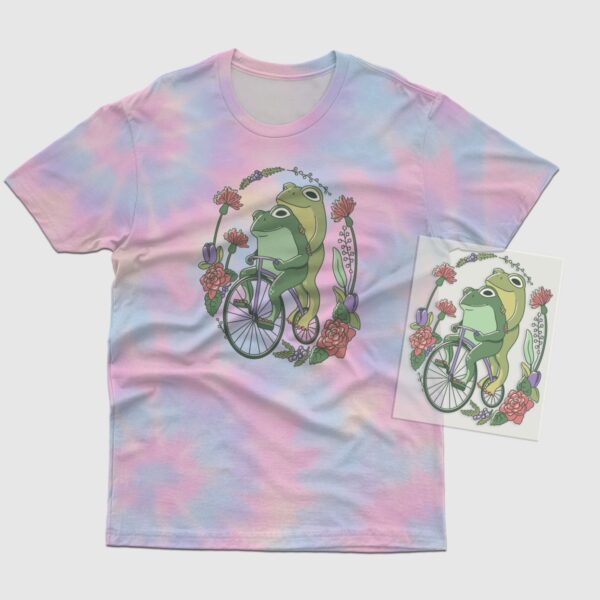
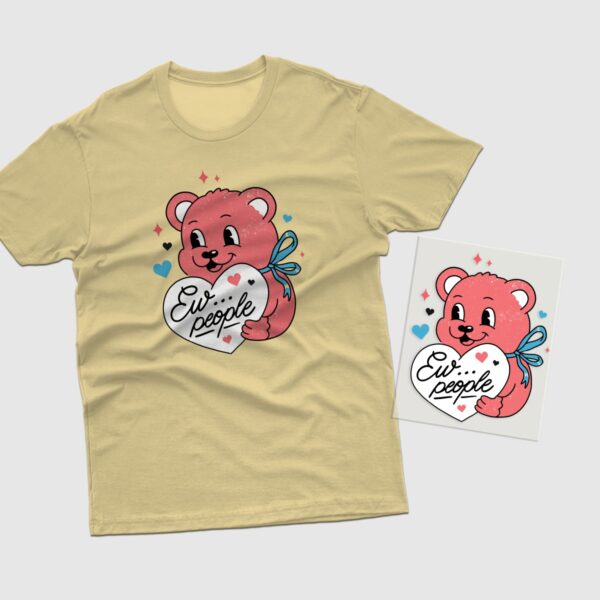
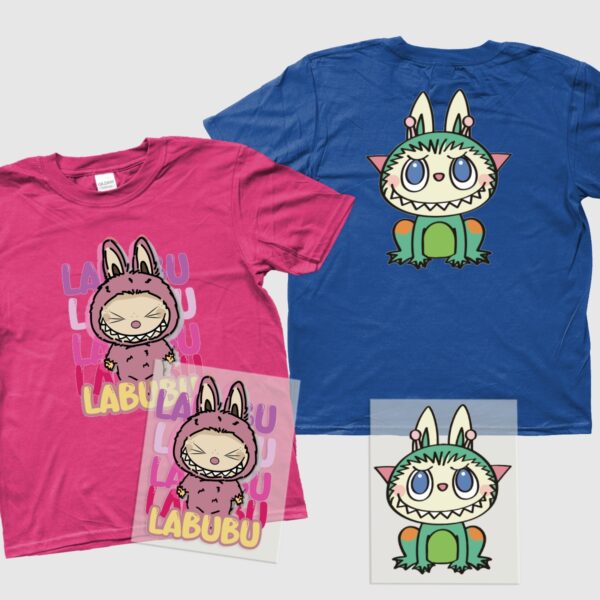
DTF Transfer Sheet A5 | Design Your Own or Choose From Our Collection
US$6.71
Create your own custom clothing and accessories at home with our A5 DTF transfer sheets. Use our online design tool to upload your own image, add text, or build something from scratch using our image library — then press onto almost any fabric with a heat press or household iron. Full colour, no weeding, no experience needed.
Only available for the UK
DTF Transfer Sheet A5 | Design Your Own or Choose From Our Collection
Ever wanted to create your own custom clothing or accessories at home? With our A5 DTF transfer sheets, you can — and it’s easier than you think. No design experience, no specialist equipment, and no complicated process. Just design, order, press, and wear.
Our built-in online design tool lets you get creative directly on this page. Upload your own image, type your own text, choose from our library of designs, or mix and match elements to build something completely unique. Whether you want your name on a hoodie, a favourite image on a tote bag, or a fully custom design from scratch — the tool handles it all. Images, text, graphics — it’s all there.
Already know what you want? Browse our ready-made design collection covering [your niche here — anime, kawaii, pastel goth, horror and more] and press it straight onto your chosen fabric.
How It Works
- Design your transfer using our online customiser — upload an image, add text, browse our design library, or combine elements however you like
- Add to cart once you’re happy with your design
- We print and ship your A5 DTF transfer sheet straight to your door
- Apply at home using a heat press or household iron — full instructions below
For best results when uploading your own artwork, use high resolution images (300 DPI or above).
How to Apply Your Transfer
Using a Heat Press:
- Preheat your press to 160°C (320°F)
- Place the DTF sheet onto the garment, cover with parchment paper and press firmly for 10 seconds
- Allow the design to cool, then gently remove the film
- Cover the design with parchment paper and press for an additional 10 seconds to fully cure
Using a Household Iron:
- Set your iron to the highest heat setting with steam turned off
- Place the DTF sheet onto the garment and cover with parchment paper
- Press the iron down firmly — do not slide it — and hold for 15–20 seconds, moving section by section across the design
- Allow to cool, then gently peel the film
- Cover with parchment paper and press again for another 15–20 seconds to fully cure
For best results a heat press is recommended. Iron application may vary depending on your iron’s heat output.
Always press onto a smooth, clean, pre-heated surface and use parchment paper throughout.
What Works With DTF Transfers
Compatible with cotton, polyester, cotton/poly blends, denim, canvas, nylon, fleece, and more. Works on both light and dark fabrics.
Sheet Details
- Sheet size: A5 (approx. 148 × 210 mm)
- Print type: Full colour CMYK digital print with white ink base layer
- Finish: Matte film
- No weeding required
- Application temp: 160°C / 320°F
- Press time: 10 seconds + 10 seconds cure
Please Note
Sheet size is A5 (148 × 210 mm). Design size will vary and will not automatically fill the full sheet. This listing is for the DTF transfer sheet only — not a finished garment. Garment, fabric item, and heat application equipment are not included. We are not responsible for application errors. Always test on scrap fabric first if you are new to DTF transfers.
Related products
-
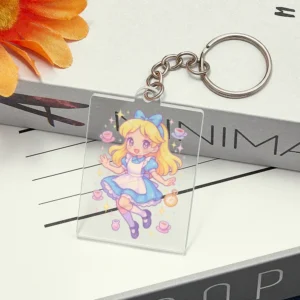
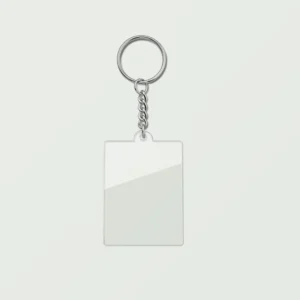
Personalized Acrylic Keychain – Custom Photo & Text Double-Sided Rectangle Key Ring
-
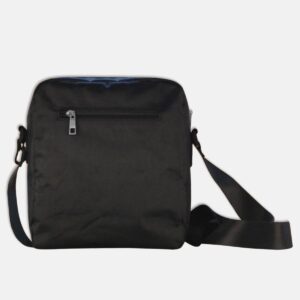
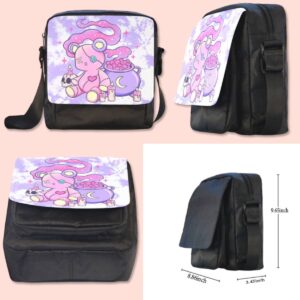
Personalized Crossbody Bag – Ultra-Light Custom Shoulder Bag | Design Your Own
-


Sailor Moon Chibi Design DTF Transfer Sheet A5 | Kawaii Anime Heat Press Iron On
-
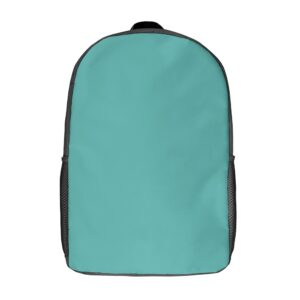
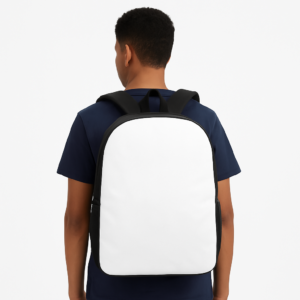
Personalized Backpack – Custom Photo & Name 17 Inch School Bag | 600D Polyester
Reviews
There are no reviews yet.